Editorial flow for service pages
A practical handoff for service-page briefs, scope review and publication checks.
Begin with the reader's next action
A request to “make the service page clearer” gives an editor no decision to make. For a page about onboarding support, rewrite the brief as a reader action: “Ask for a scope call.” Add what the service covers, what it excludes, and who can confirm both. If the requester cannot answer, return the brief before drafting.
Keep the handoff visible
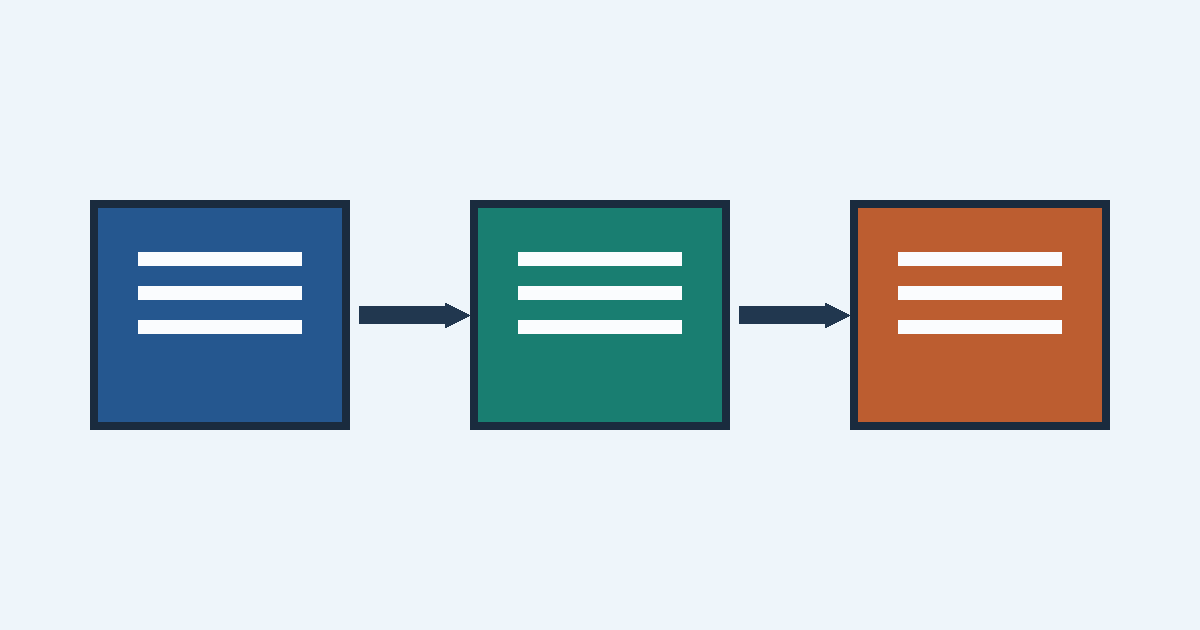
The diagram shows three documents linked in sequence. Use it as a reminder to leave a record at each handoff, rather than passing along an unexplained file.
- Record the page's audience and intended action in the brief.
- Draft the service scope in terms a prospective customer can check against their request.
- Ask the reviewer to approve the scope and mark unresolved claims in the document.
- Publish only the approved version; record the page URL and the person responsible for corrections.
Review what the reader will actually see
Read the heading, the first paragraph, the call to action and every link without the brief beside you. If “onboarding support” could mean either setup advice or work performed for the customer, say which one the page offers. W3C's writing guidance is a useful reference during this pass. For the diagram, consult the image tutorial and check that its alternative text conveys the sequence.
The final handoff is a concrete one: the published URL, the approved scope and an owner for any correction.